How to Play Mic Drop
Multiplayer
The main event: two to eight players, one word a round, and your friends deciding whether you pulled it off.
Overview
Mic Drop is a karaoke party game that tests your lyrical knowledge!
Every round, a different word is shown. Players buzz in for a chance to sing a song containing that word.
No microphone is used: you sing out loud over your own voice chat (or in the same room), and your friends are the judges.
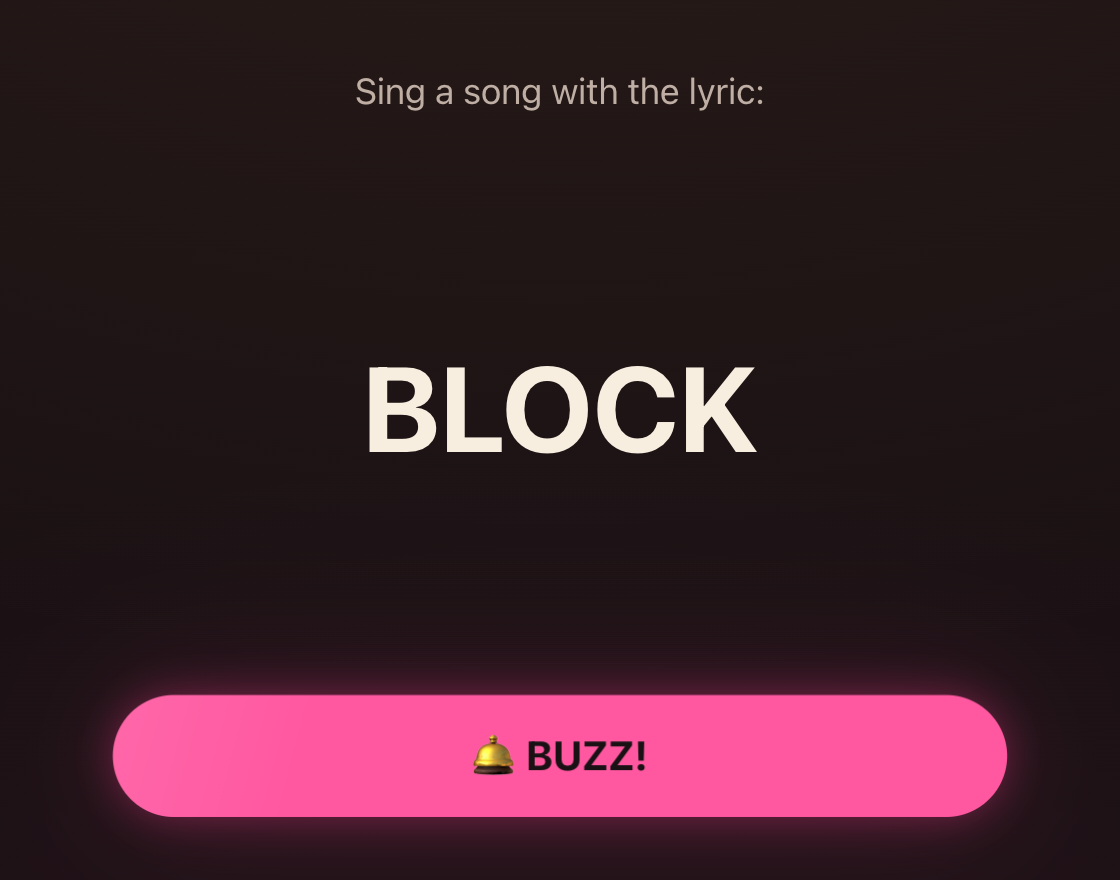
When you buzz in and sing, your opponents are the judges. They can vote to give you a point – but only if you sing a real song and incorporate the target word.
If players vote not to award points, other players can buzz in again.
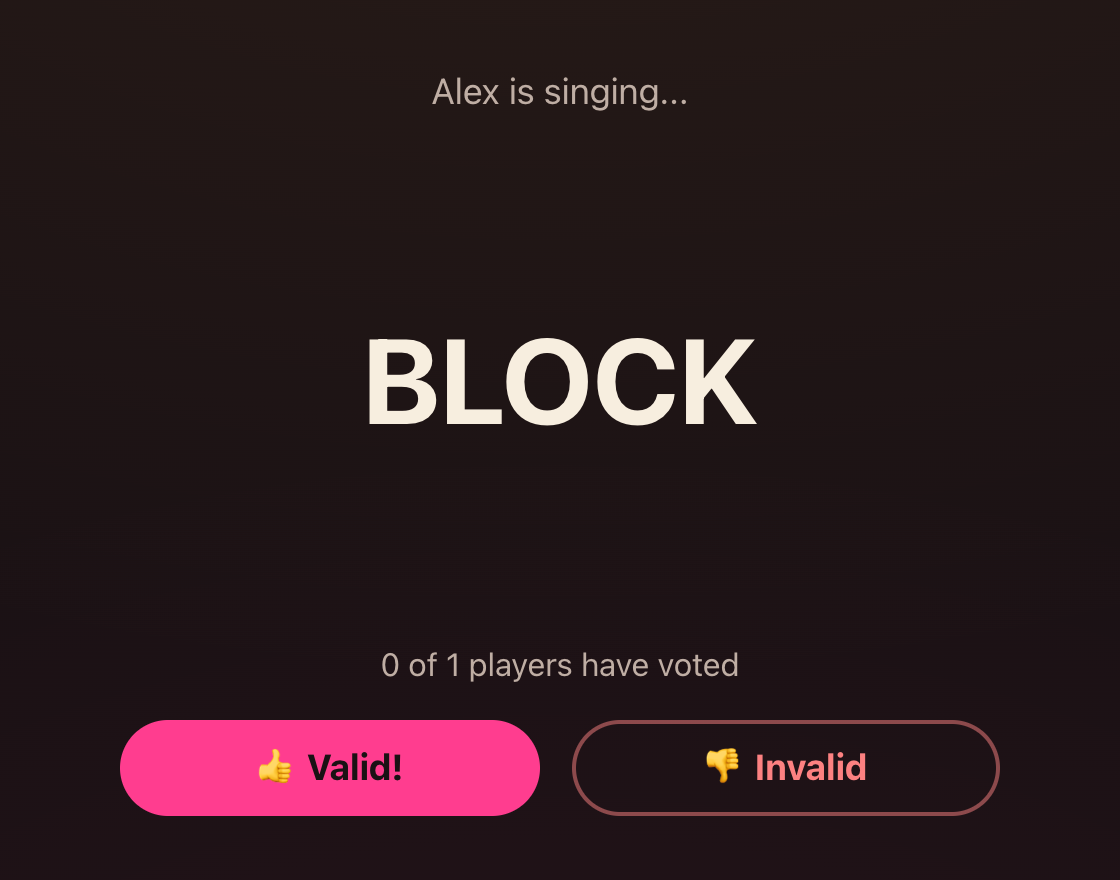
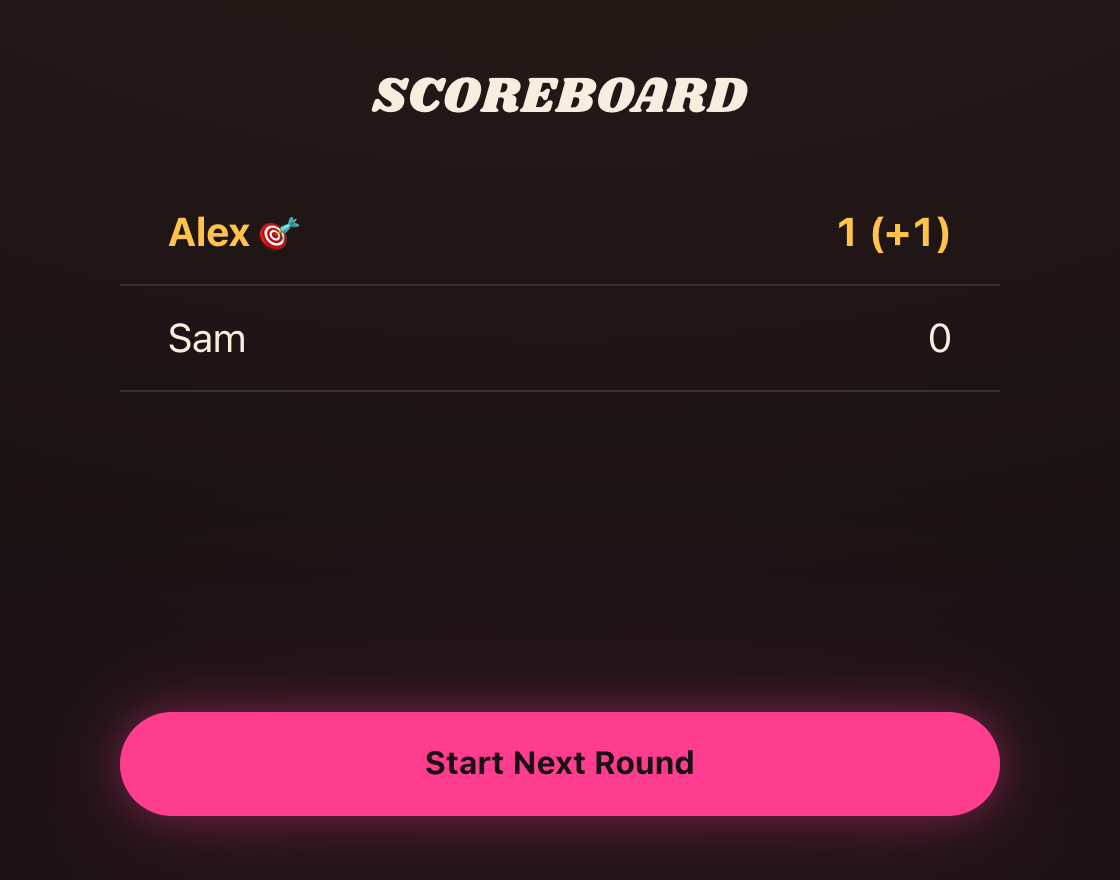
Scoring points and winning
The first player to buzz in gets a chance to sing a real song containing the target word.
Variants of the target word count, too. For instance, if the word is "rock," you can also sing lyrics with "rocking," "rocked," "rocks," "rocker," and so on.
In the event of a tie in votes, points will be awarded. The first player to score 5 points wins!
Set up a game
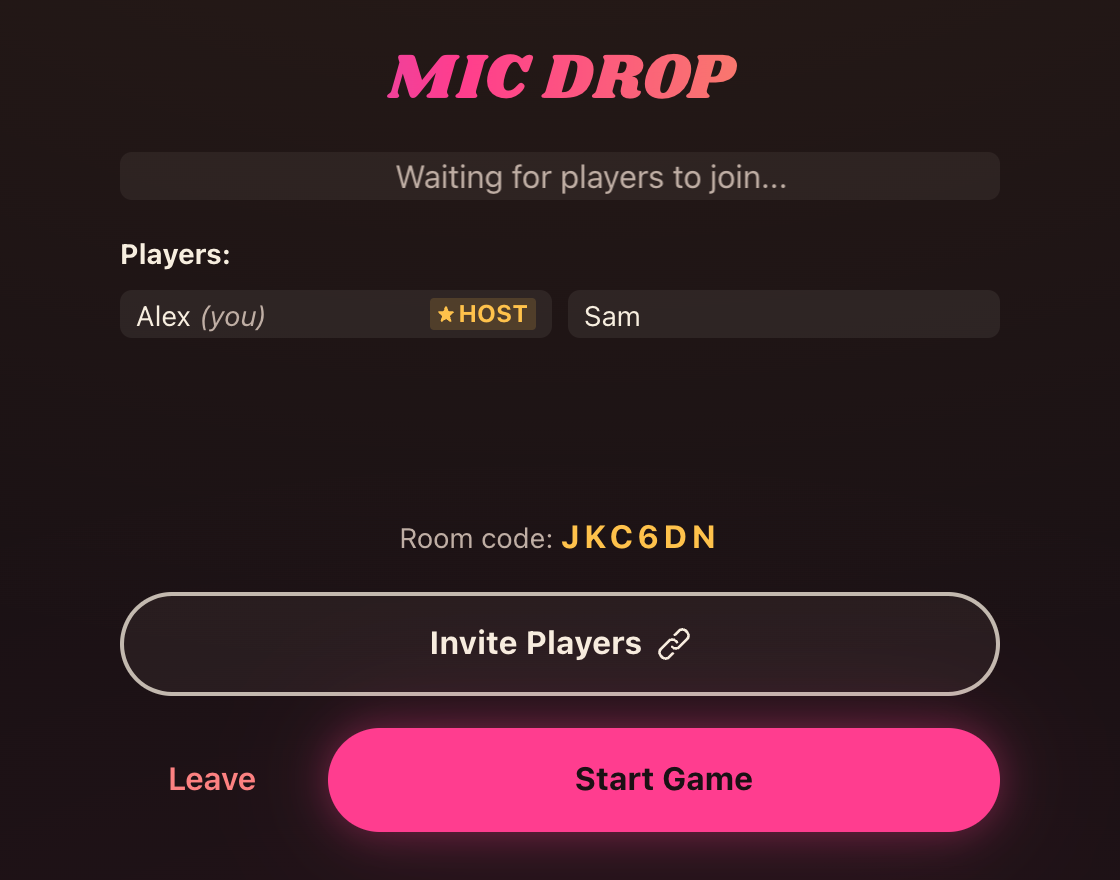
To host a new game, just click "Create Room" and share the invite link (or room code) with others.
Other players can join by clicking the invite link, or alternatively, they can join a room using the room code.
When you have a minimum of two players, the host can start the game.
Solo
No friends around? There is a one-player mode: an arcade version of the same idea, against the clock instead of against other people.
There is no buzzing, no voting and nobody to beat. Just you, a word, and how many songs you can pull out of your head before time runs out.
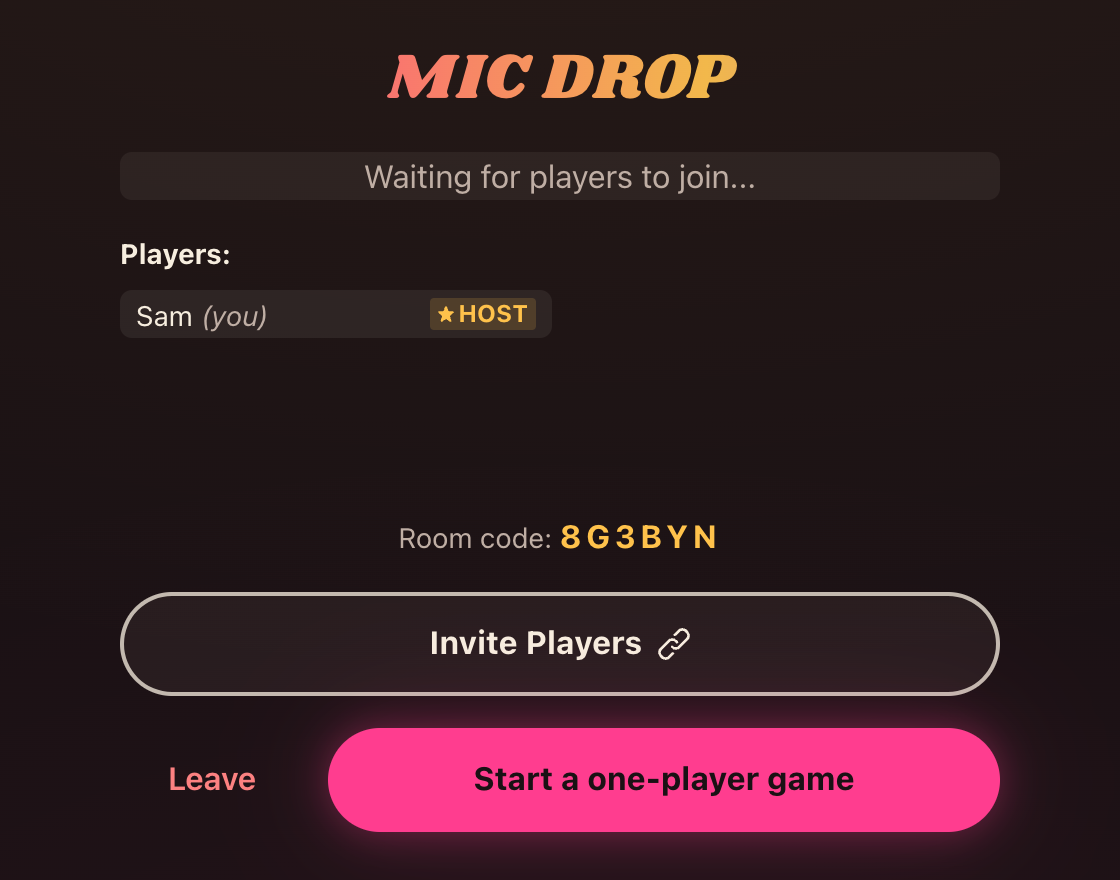
Start a one-player game
Click "Create Room" as usual. While you are the only player in the room, the start button offers a one-player game instead of the normal one.
If a friend turns up before you start, the button goes back to "Start Game" and you play the multiplayer game as normal.
Beat the clock
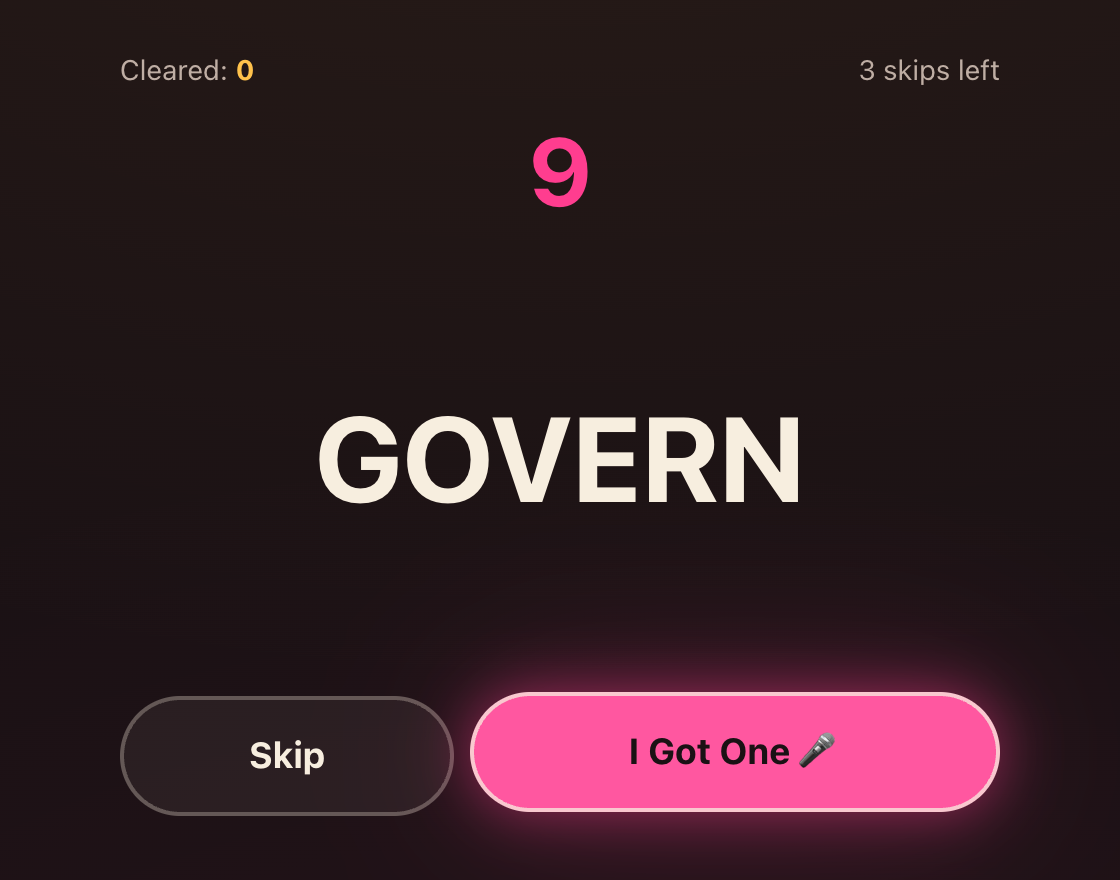
You get a word and 10 seconds to think of a song containing it.
Found one? Hit "I Got One 🎤". Stuck? "Skip" gives you a different word – but you only get three skips per run.
If the timer reaches zero, the run is over.
Then actually sing it
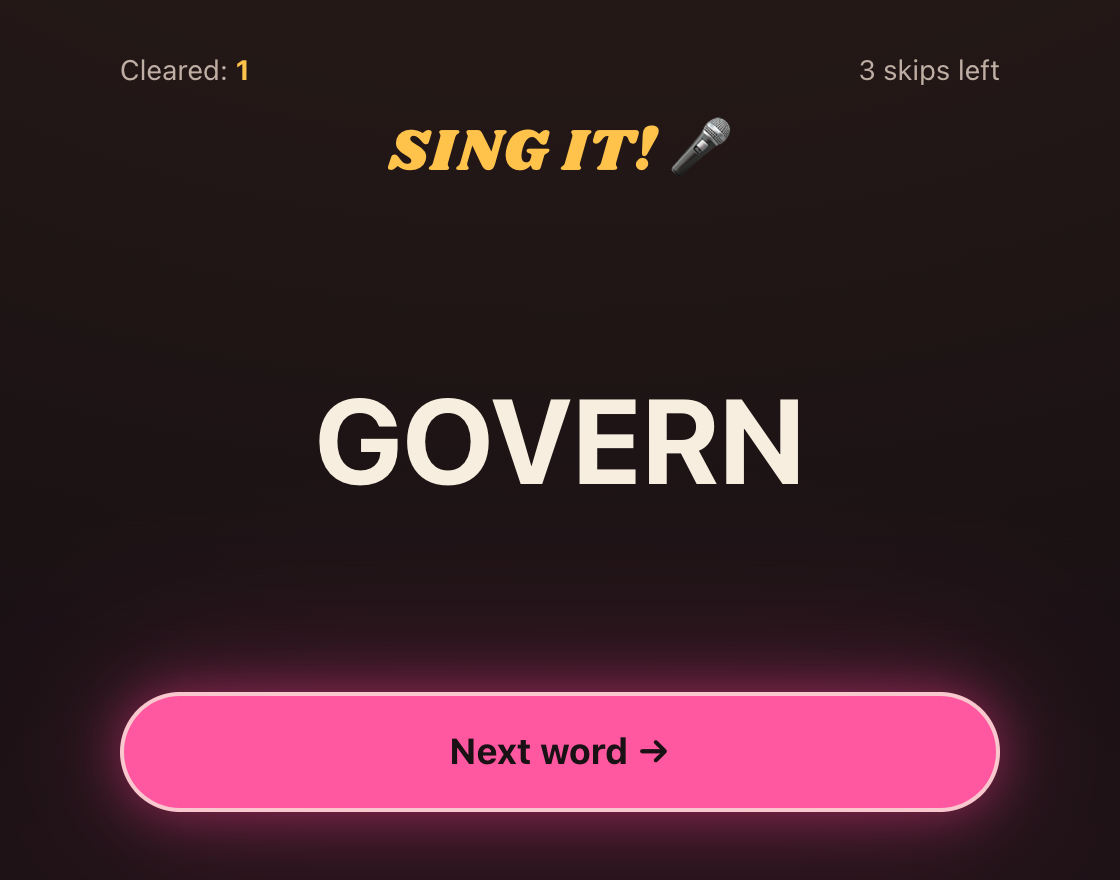
Claiming a word doesn't rush you onward. The run pauses so you can sing the thing you just thought of – there is no timer on this bit, so take as long as you like.
Nobody is judging you, so it's on the honour system. When you're done, "Next word" brings up the next one and starts a fresh 10 seconds.
Scoring
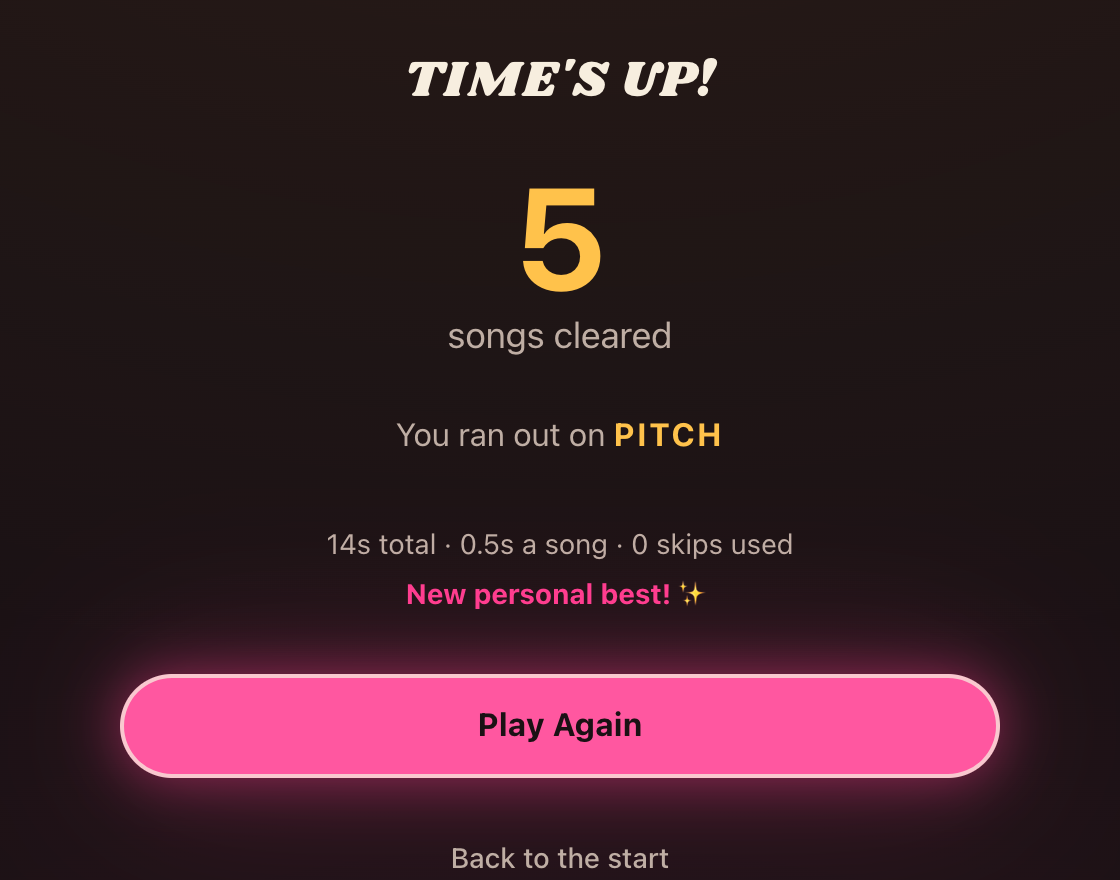
One point per word you clear. There are no votes and no winning score – the only thing that ends a run is the clock.
When it does, you get your total, the word that finally caught you out, and your personal best. That best is remembered in your browser, so you can keep trying to beat it.
A one-player room stays a one-player room, so nobody can drop into a run you have already started. To play with friends, head back and make a new room.